StreamLab: synchronise, visualise and prepare your data
Bring physiological signals, gaze data and experimental events onto a common time base. Keep the context of your measurements from acquisition to export.
See StreamLab in action.
Explore the software before planning your EEG, eye tracking, ECG and video setup with our team.
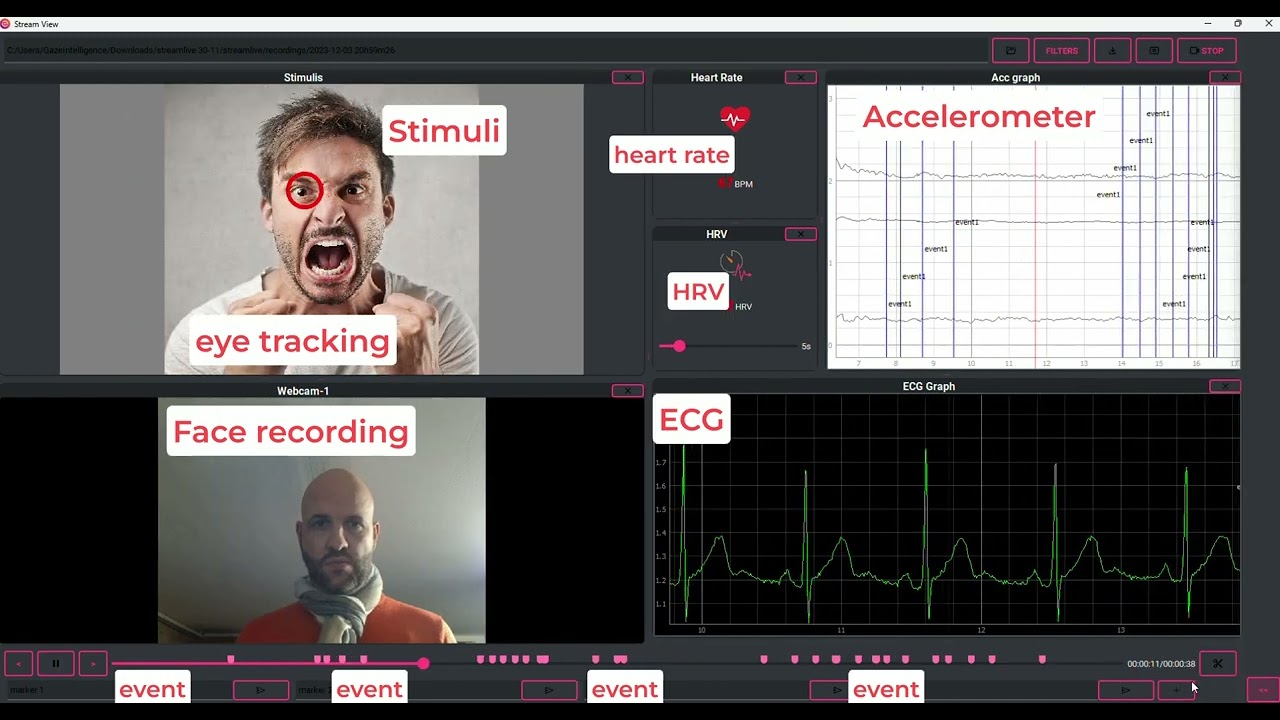
The YouTube player loads only after you click. Watch on YouTube ↗
Two tools, from live acquisition to review
Based on Lab Streaming Layer (LSL), StreamLab supports multimodal experiments combining eye tracking, EEG, ECG, EMG or electrodermal activity (GSR/EDA), depending on supported devices and interfaces. Videos and events add context to each sequence.
| During the experiment · StreamLive | After the experiment · StreamView |
|---|---|
| Discover devices and arrange views | Reopen the session and browse recordings |
| Observe streams and record markers | Keep the sequences useful to your study |
| Record data on a common time base | Export sequences for analysis |
StreamLive: live signals and events
Detect compatible devices on the local network, then select the streams and channels to record. Move and resize views to arrange signals, video and indicators available for your devices.
Add markers during the experiment to identify instructions, responses or phase changes. These events are displayed and recorded with the session.
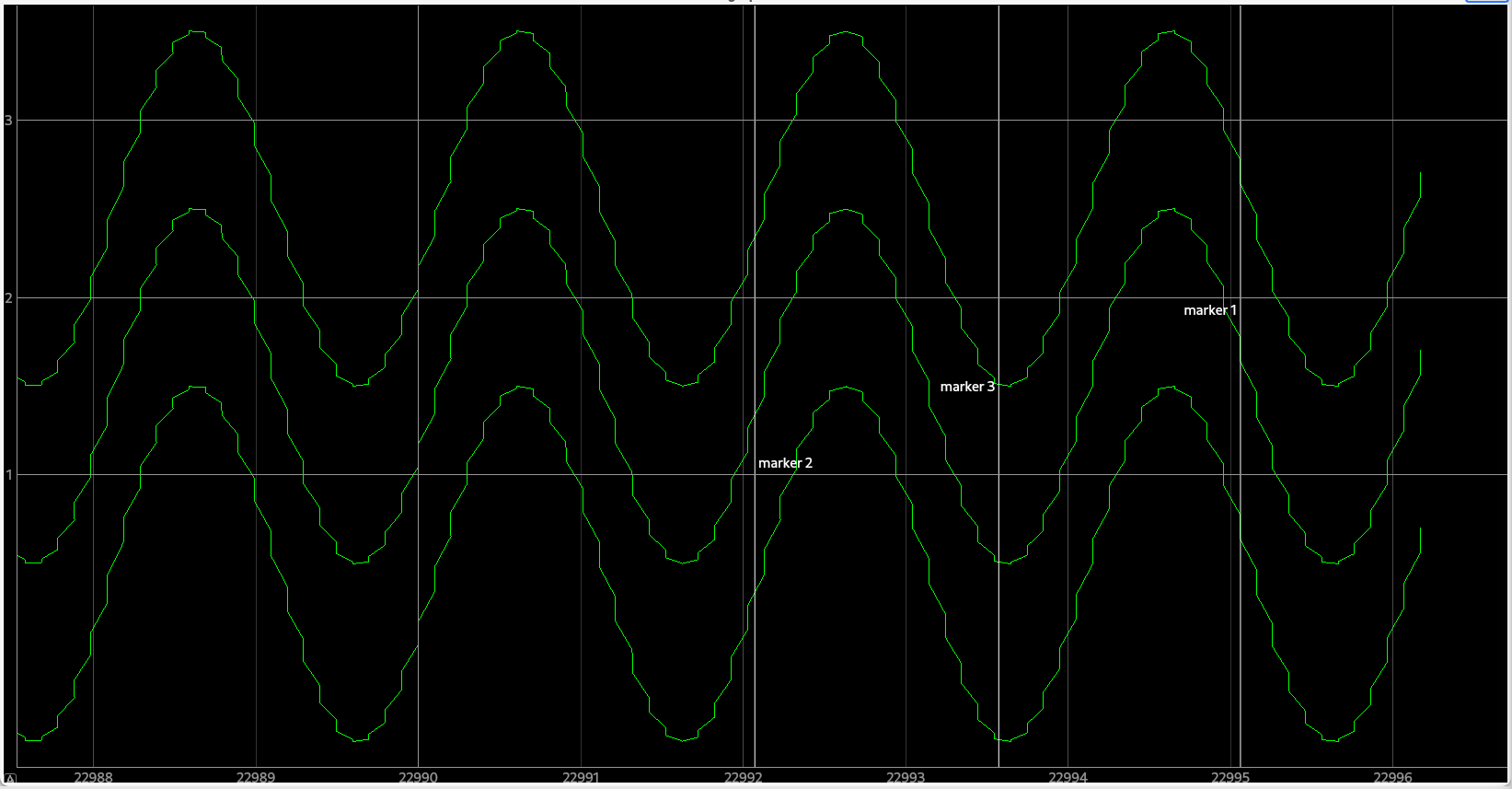
Stream selection also determines recording: deselecting a stream or channel prevents it from being recorded. Check the selection before starting a session.
Integrations shown in the guide
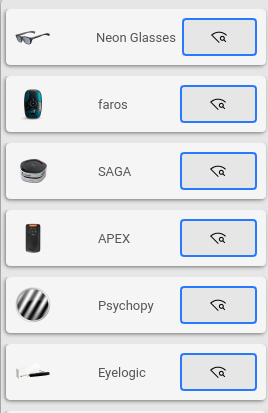
The guide shows the following integrations. We will check the exact model, software version and streams needed for your protocol when preparing your installation.
- Eye tracking: Neon Glasses and Eyelogic.
- Physiological acquisition: Faros, SAGA and APEX.
- Stimuli: PsychoPy, with SDK integration to retrieve sequences.
- Additional sources: webcams and internal markers.
Several devices of the same model can be detected. The interface organises data by model, device, stream and channel.
StreamView: find and select useful sequences
Reopen a StreamLive session, browse its data and add markers. Then select intervals to keep according to your protocol.
- By markers: define an interval between two events.
- By PsychoPy stimulus: select a sequence from the start of one stimulus to the next using the SDK integration.
- Manually: define a portion of the recording.

Selections take effect on export: the source folder remains intact. This is time-based data selection, not frequency filtering.
Files to continue your analysis
| Stage or format | What you get |
|---|---|
| StreamLive · aligned CSV | A common time column and separate channel columns. Differences in stream rates may produce many empty cells. |
| StreamLive · unaligned CSV | One time column per stream, with fewer empty cells. Your analysis pipeline handles time realignment. |
| StreamLive · PKL | A Python binary format preserving the hierarchy of devices, streams and samples; an alternative to CSV for large volumes. |
| StreamView · CSV export | Data from selected intervals, in a folder structure that can be reopened in StreamView. |
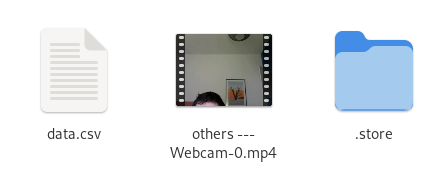
Keep the entire folder, including the .storesubfolder, required for reopening in StreamView. Videos and PsychoPy items are saved in separate files.
For long or high-frequency recordings, CSV files can become large. We help check a representative recording in your analysis tools before deploying your protocol.
Prepare a reproducible experiment
Send your device models, session duration, events to record and analysis software. We can check available streams, arrange a demonstration and prepare training.
Timing accuracy depends on the entire chain: sensors, timestamps, network and stimuli. An end-to-end trial measures offsets and their variability for your configuration.
Discover eye tracking systems · Discover Faros recorders · Prepare an eye tracking and EEG study
Reference documentation
Presentation and screenshots from the StreamLab user guide supplied to Gaze Intelligence. Features and integrations reflect that documentation; the proposed configuration will be checked against your equipment.
Let’s build your StreamLab setup.
Tell us about your devices and protocol for a relevant demonstration.